

Next.jsAvailable · v1.0.0
Vexlora combines 19 differentiated command centers, 470+ application screens, flagship AI workflows, commerce, payments, finance, business operations, industry suites and developer tooling in one premium Next.js admin package.
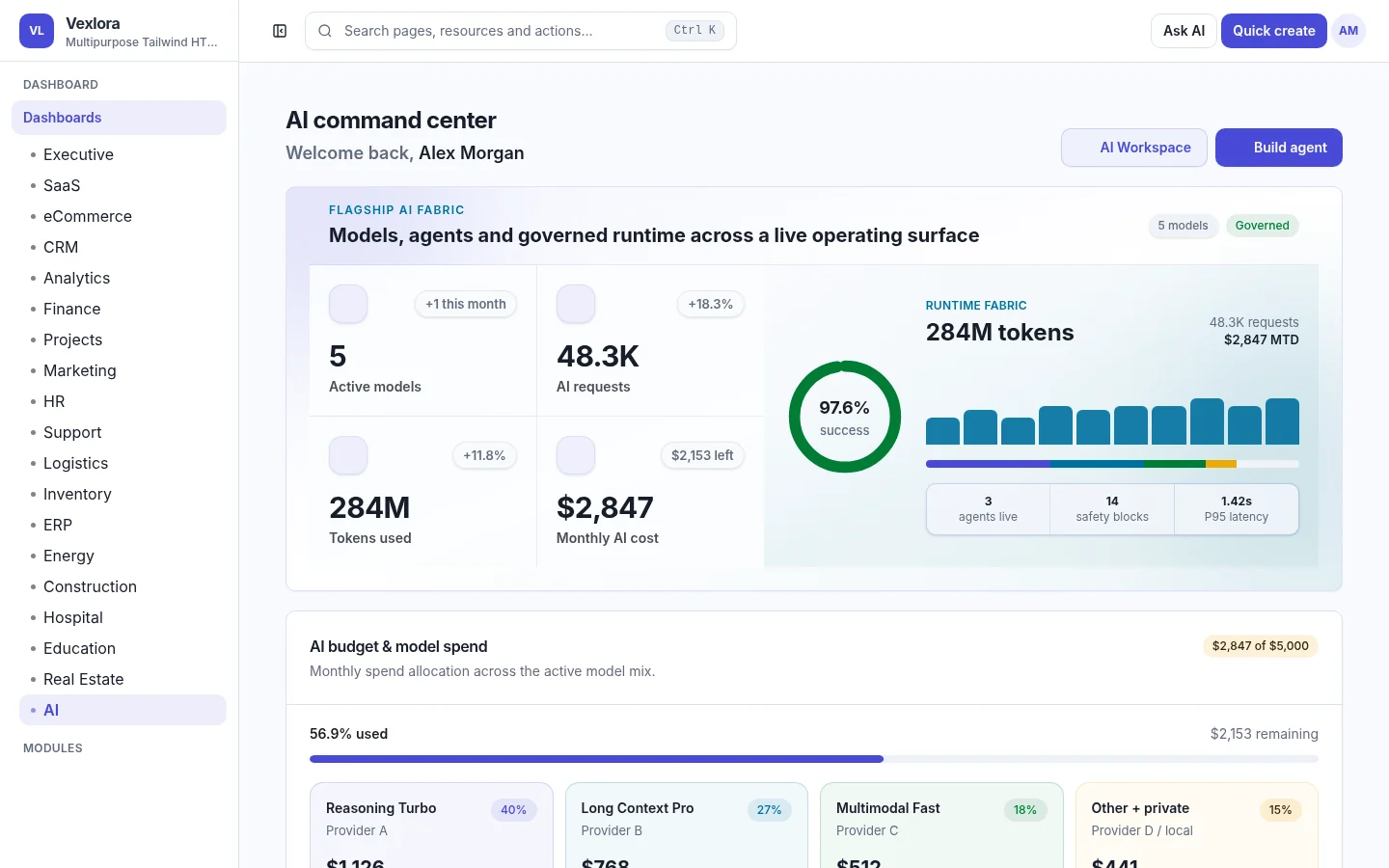
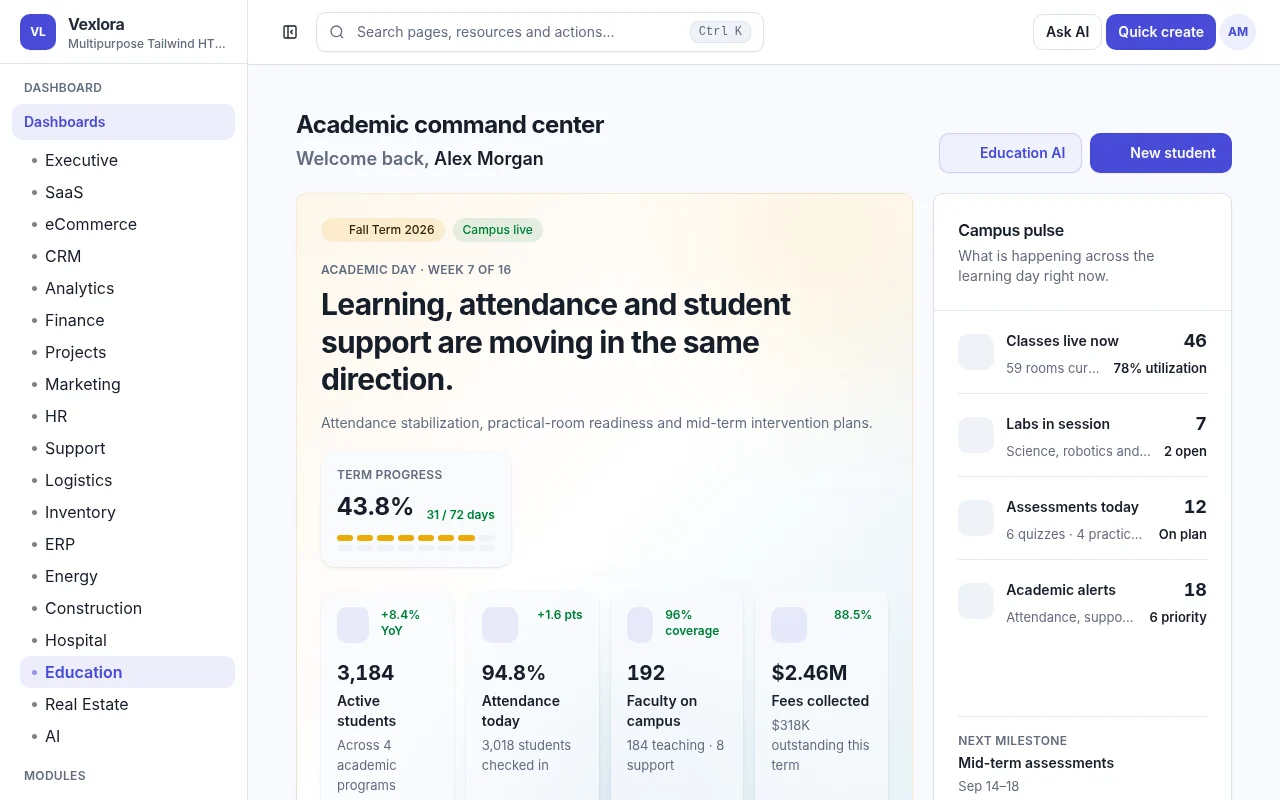
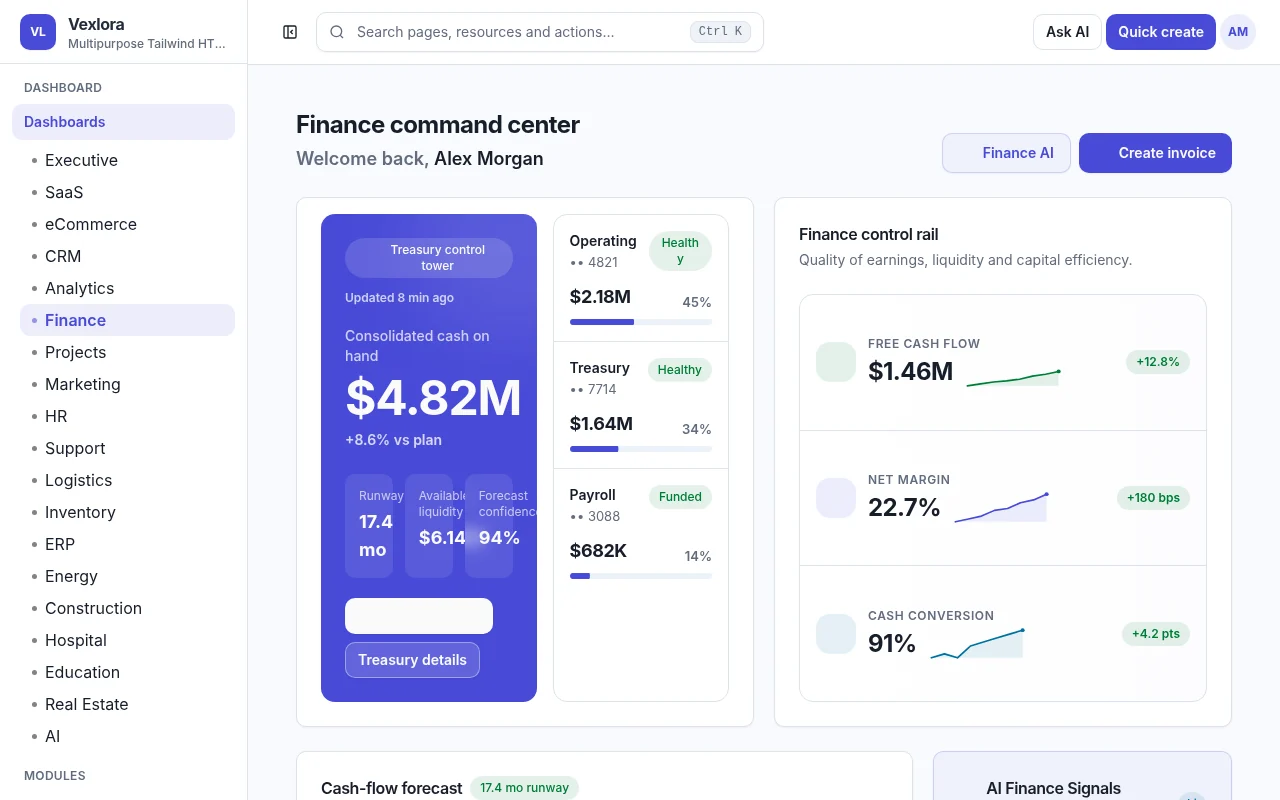
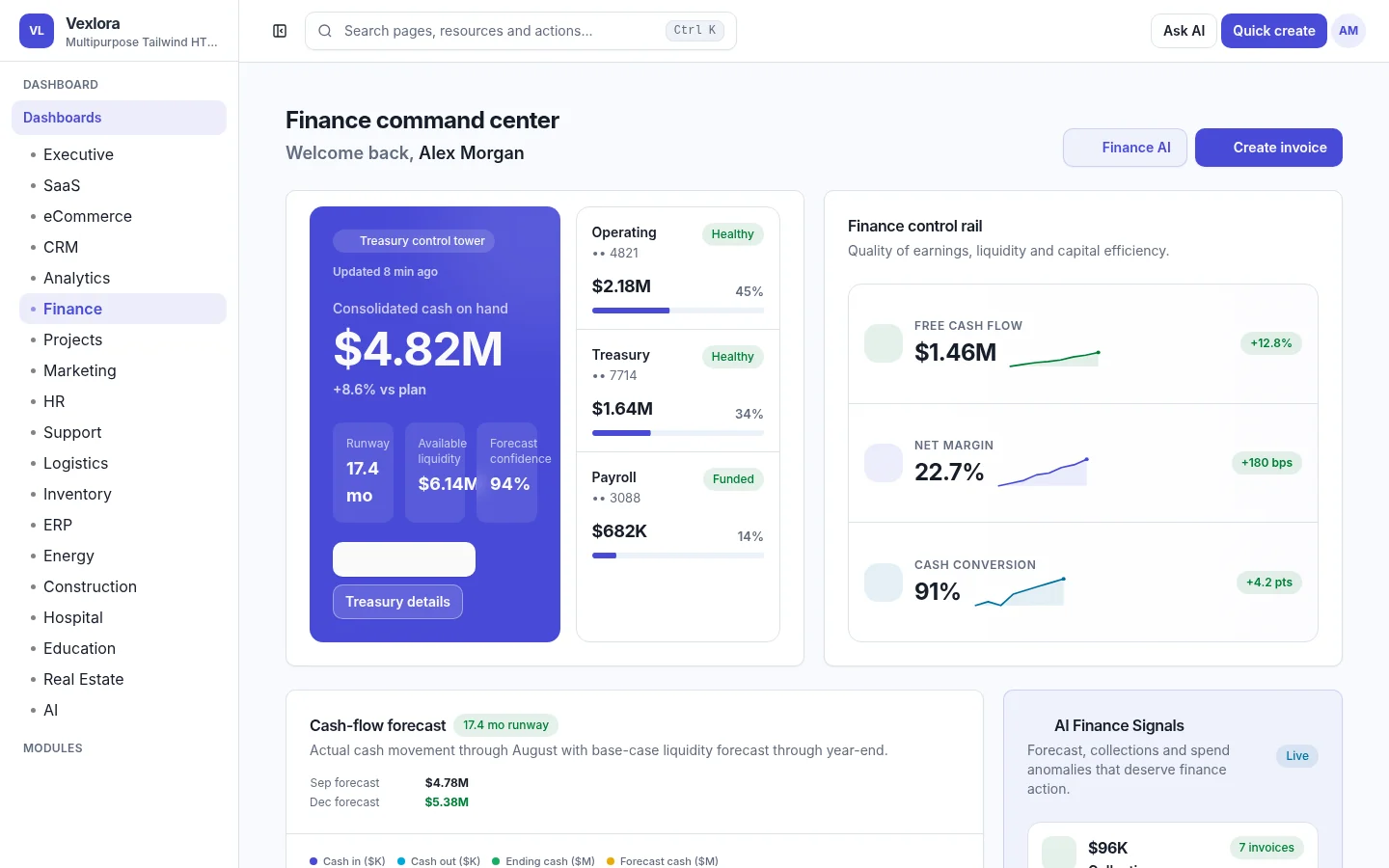
Every dashboard is built around a different operating domain. Desktop shows four previews per row, and each preview opens its matching live dashboard in a new tab.


Instead of a wall of text, these sections show how Vexlora groups real operational workflows, visual intelligence and buyer-ready application foundations.
Vexlora includes a dedicated AI workspace covering model/provider management, agents, automations, knowledge, evaluations, governance, cost and runtime operations—with cross-module AI experiences designed around human review.
eCommerce, payment operations, finance, invoices and inventory are presented as connected buyer-ready workflows. Online Store Studio adds menus, pages, blog, testimonials, contact and popup configuration without pretending to ship a customer storefront.
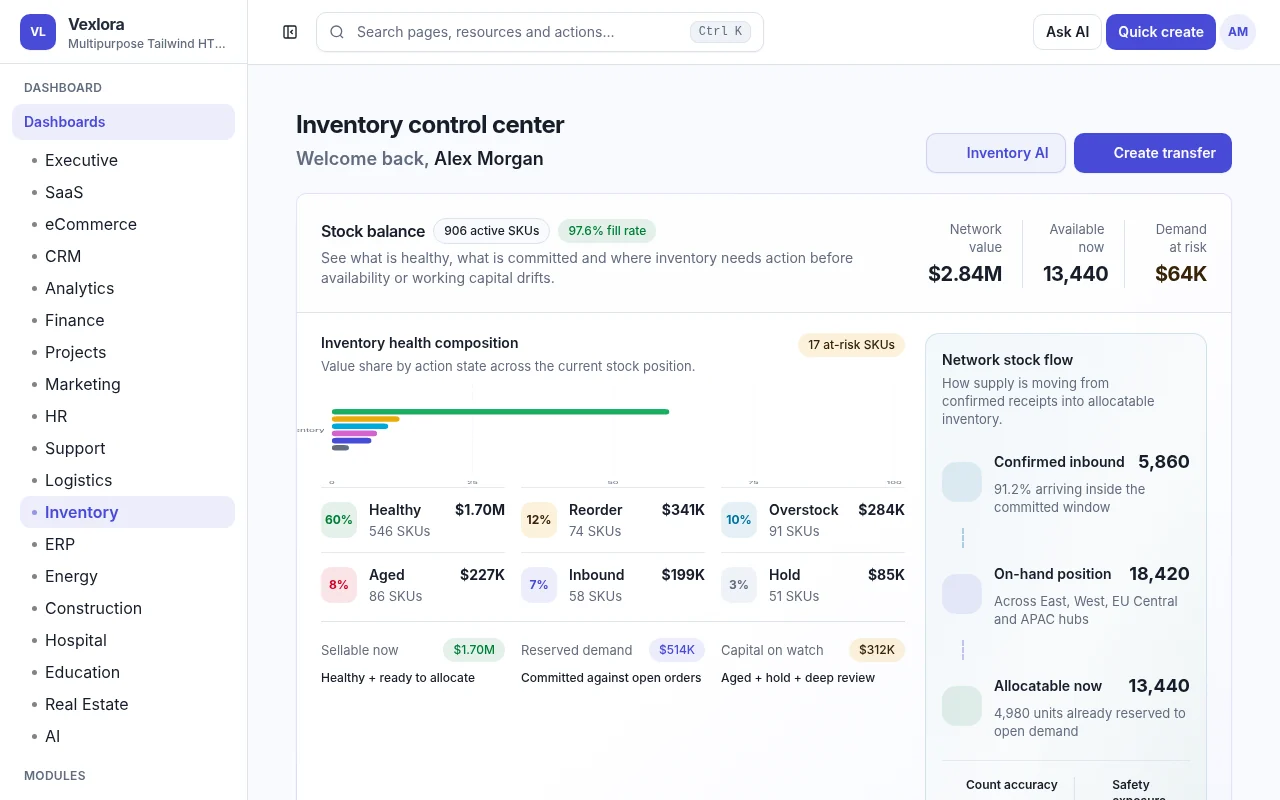
Projects, CRM, marketing, HR, support, logistics, inventory and ERP extend past charts into lists, queues, controls, schedules, activities, assignments and domain-specific operational states.
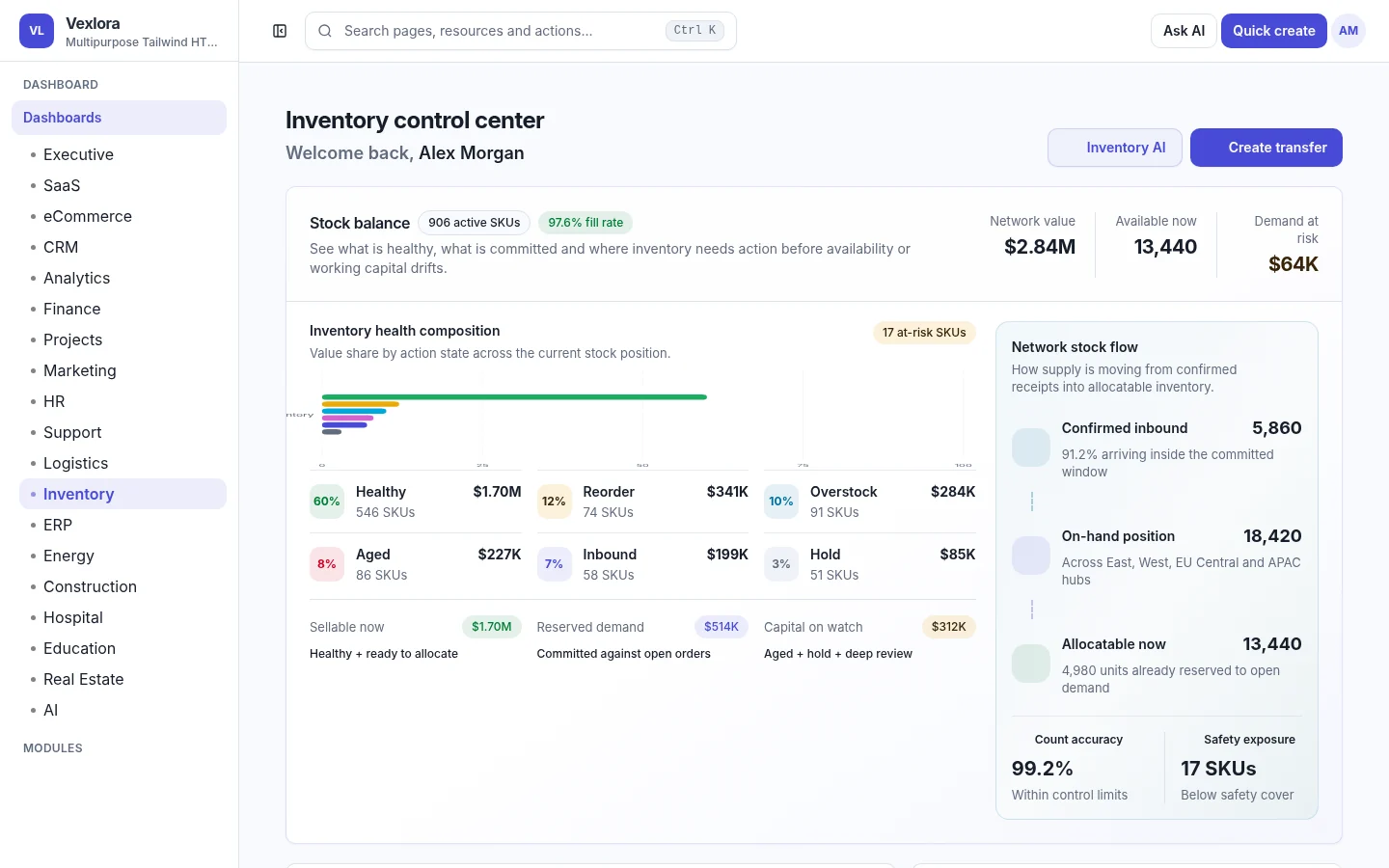
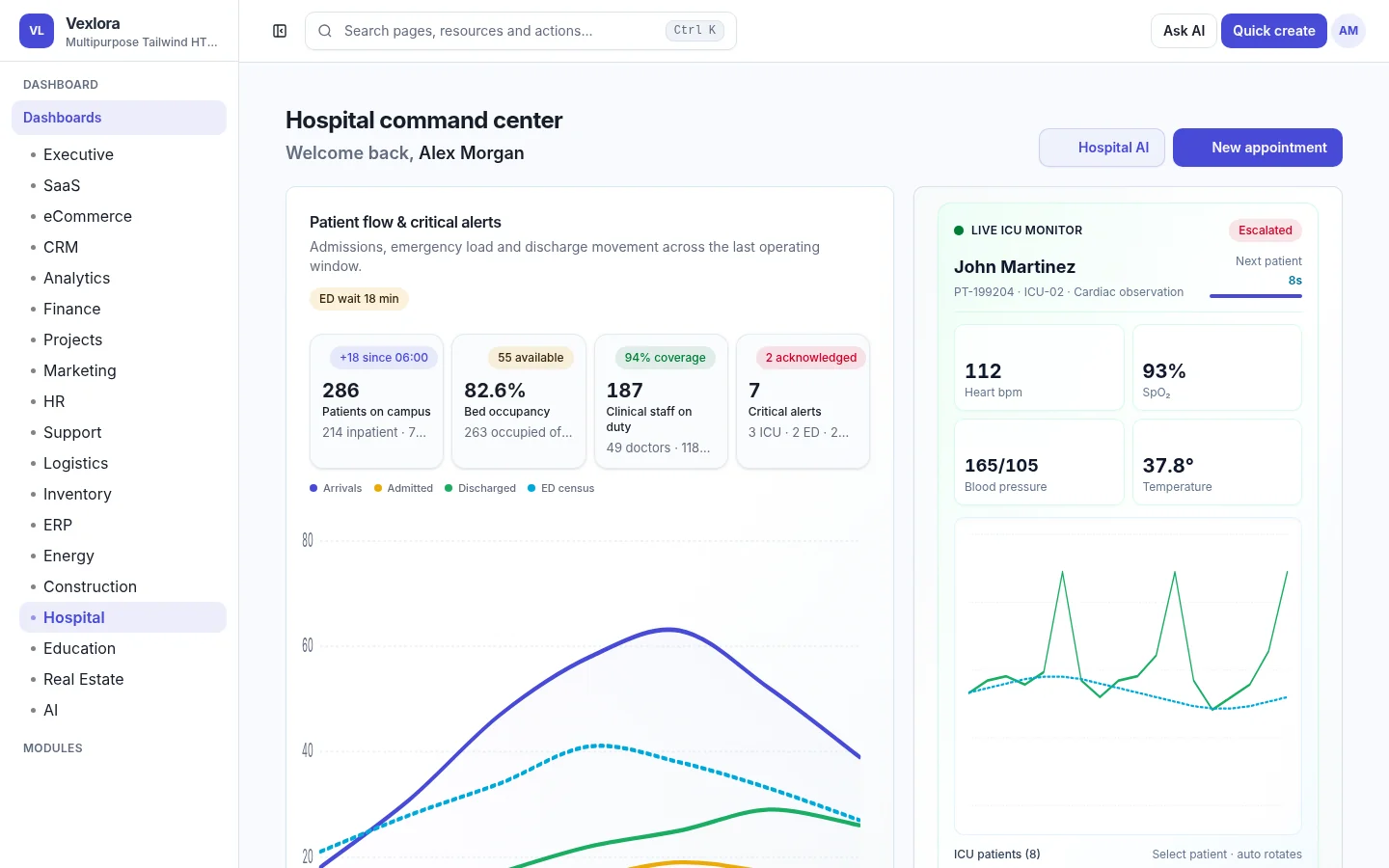
Industry dashboards are not color swaps. They surface domain-specific capacity, schedules, utilization, safety, facilities, assets, collections, maintenance and operating queues while staying inside the shared Vexlora design system.
Models, agents, automations, knowledge, evaluations, media, memory, governance and operations.
Catalog, checkout, inventory, orders, reports plus buyer-controlled online-store configuration surfaces.
Treasury, AR/AP, billing, collections, reconciliation, checkout handoff, refunds and payouts.
Calendar, email, chat, notifications, media and file-management experiences for real application composition.
CRUD generator, API keys, explorer, endpoints, webhooks, delivery history and audit tooling.
Authentication UI, users, roles, permissions, security center and organization/account controls.
Vexlora ships with business suites, platform surfaces and reusable UI foundations so buyers can start from realistic product structures rather than empty component examples.
Agents, models, knowledge, evaluations, media, context, governance and operations.
Catalog, orders, inventory, checkout, marketplace, reports and commerce AI.
Email, chat, calendar, notifications, media and file-management surfaces.
Connections, API keys, explorer, endpoints, webhooks, delivery history and audit.
Treasury, planning, AR/AP, close controls, invoicing and collections.
Accounts, activities, pipeline, conversations, commerce context and forecast.
Attendance, employees, payroll, candidates, assets, talent and people operations.
Portfolio, calendar, activity, comments, milestones, workload and delivery.
Builder, actions, AI assistance, code export and buyer-focused scaffolding.
Admissions, attendance, campus services, examinations and academic operations.
Account, appearance, advanced settings and broader product configuration.
Billing, BOQ/materials, change orders, contractors, labor and field controls.
Acquisition, attribution, audience, behavior, quality and reporting surfaces.
Admissions, beds, billing, insurance, doctors, departments and operations.
Checkout, payment accounts, methods, domain flows, refunds and payouts.
Assignment, canned responses, chat, departments, SLA and resolution workflows.
Carriers, exceptions, fleet, freight audit and connected delivery operations.
Applications, deals, documents, compliance, leads, viewings and leasing flows.
Login, OTP, magic link, password reset and other auth experience screens.
Users, activity, API keys, create/edit flows and account operations.
Assets, maintenance, billing, demand forecast, DER and flexible load.
Audiences, automations, campaigns, channels and performance workflows.
Organization details, invitations, limits and administrative controls.
Authentication security, browser security, API/webhooks and security controls.
The shipped source registers 473 buyer-facing application screens, plus foundation/reference routes and one redirect. Marketplace copy stays conservative at “470+ application screens.”
From dashboards and business modules to AI, eCommerce, settings, auth, developer tooling and industry suites. Vexlora stays frontend/admin-only so buyers remain in control of production data, authentication, payment processors and backend services.
Start from realistic product screens instead of isolated component examples.
Use shared shell, tokens, adapters and configuration patterns to fit your product.
Replace mock/frontend data boundaries with your production infrastructure.
Use the included documentation and QA guidance for buyer-controlled deployment.
Vexlora is organized for buyers who need to change branding, routes, navigation, layouts, dashboard data and API boundaries without digging through one giant file.
The searchable HTML guide covers installation, project structure, customization, dashboards, module relationships, eCommerce, payments, AI, API handoff, theming, responsive behavior, accessibility, security, deployment, troubleshooting and the complete route registry.
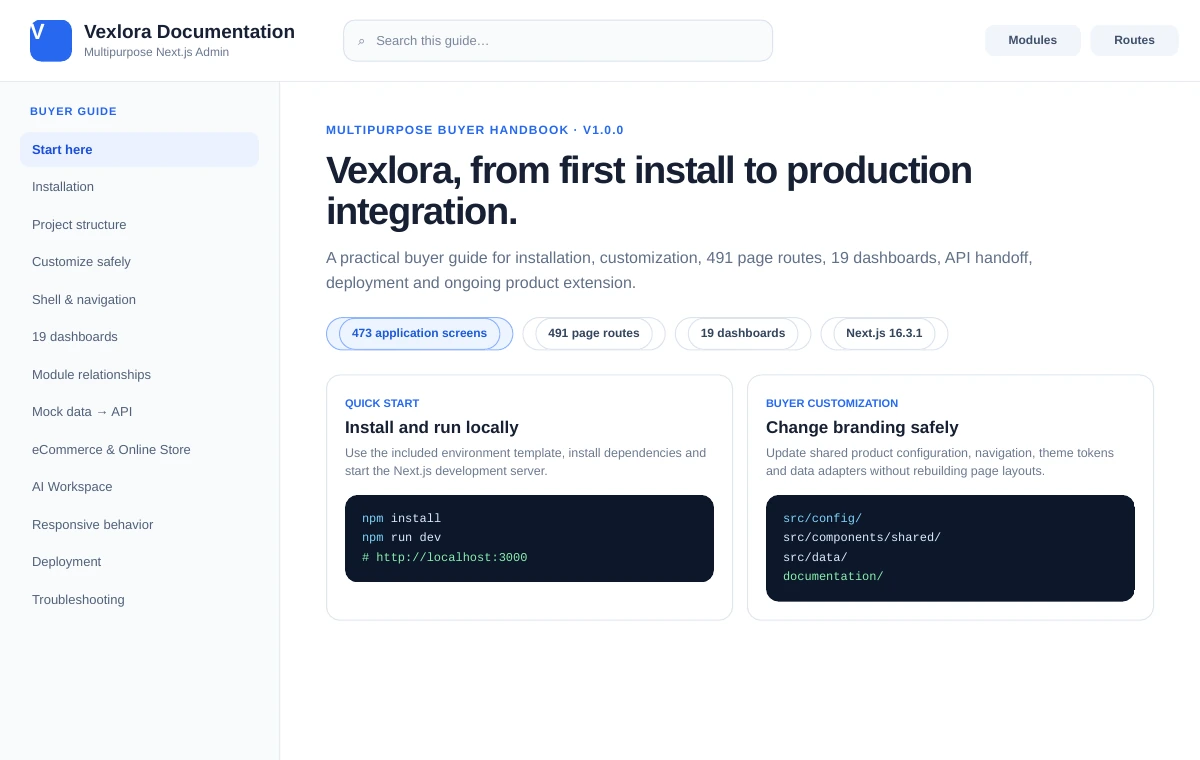 Open Documentation ↗
The first ThemeForest-ready Vexlora release includes the complete Next.js application surface, 19 dashboards, buyer documentation, AI workspace, commerce, finance, payments, developer tools, responsive layouts and the broader admin platform.
Final pricing and license terms remain controlled by the ThemeForest item page. Buy buttons stay as placeholders until your marketplace URL is ready.
No. Vexlora is an admin-panel template. Buyers connect it to their own customer-facing products and production services.
No. The package provides frontend/admin workflows and replaceable data/API patterns. Production infrastructure remains buyer controlled.
Yes. They are built around different operational domains and content structures rather than being identical dashboard clones with renamed labels.
No. Only Next.js v1.0.0 is currently included. The other editions are coming-soon roadmap items and are not included until separately released.
Review all 19 dashboards, open the buyer documentation and see how much of the admin product is already built.